
DBBet Registration In Tanzania
Updated
DBBet registration lets users in Tanzania create an account from a phone or computer. You can sign up with a phone number or email, select TZS as the account currency, and use one DBBet Tanzania account for betting and casino access after confirmation.
How To Register On DBBet Tanzania
New users can complete DBBet registration through the website by choosing a suitable sign-up method and entering accurate details.
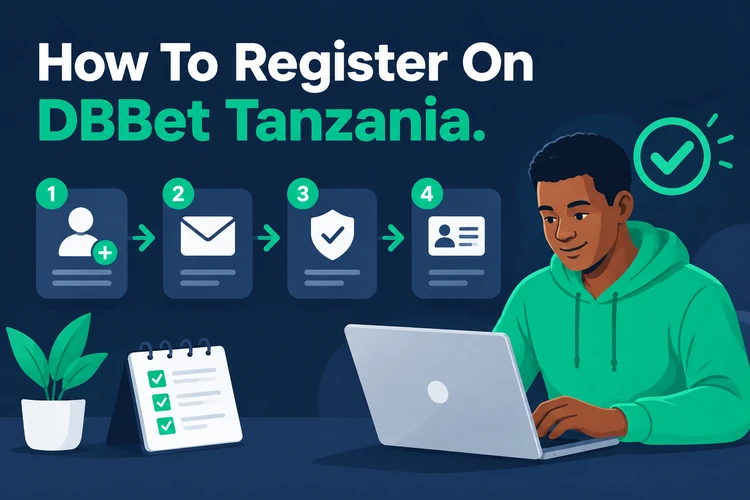
Follow these steps to create a DBBet TZ account:
- Open the DBBet registration form.
- Choose Tanzania as the country.
- Select a registration method.
- Enter the required account details.
- Choose TZS as the account currency.
- Confirm the registration.
- Sign in to the new account.
Check each field before submitting the form. The following sections explain the available registration methods separately.
DBBet Registration By Mobile Phone
Phone registration connects the account with an active Tanzania number. It can also support access recovery and may be convenient when using local mobile money services.
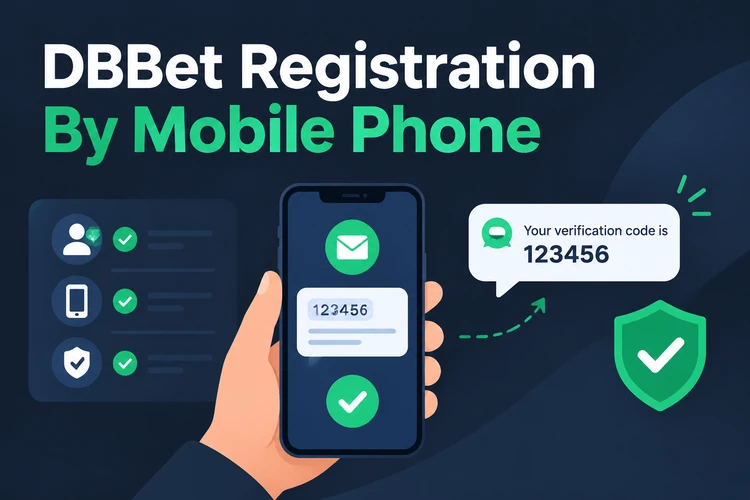
Enter an active Tanzania phone number, request the confirmation code, and enter the SMS code when it arrives. Then create or confirm the account credentials and keep them private. Start the DBBet TZ account after the form accepts the verification.
DBBet Registration By Email
Email registration suits users who want account messages sent to an inbox. The form requires an email address, phone number, password, country, and account currency.
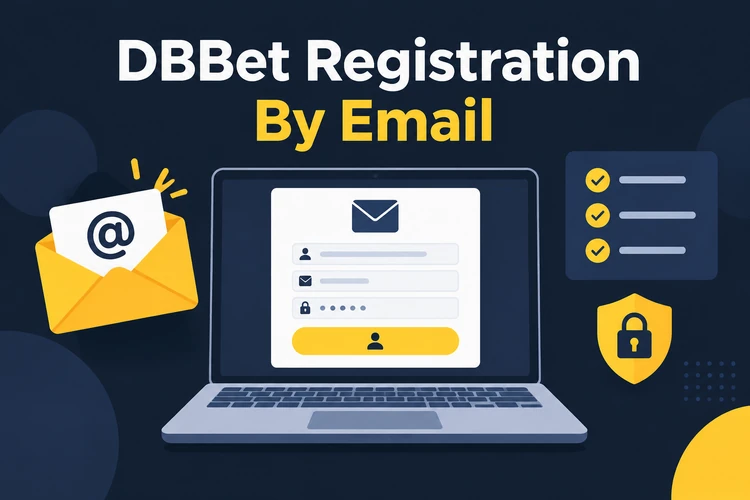
Select Tanzania and TZS, review the information, and submit the form. Once the details are accepted, the new account can be used to access the platform.
One Click Registration On DBBet
One Click registration reduces the number of fields needed during sign-up. Select Tanzania, select TZS, and create the account through the quick registration option.
The platform may generate an Account ID and password for this route. Save the generated login details in a secure place before leaving the page. Start One Click Registration when you are ready to use this option.
Account Details To Check During Registration
Review the main account settings before confirming registration, especially when completing the form on a small phone screen.
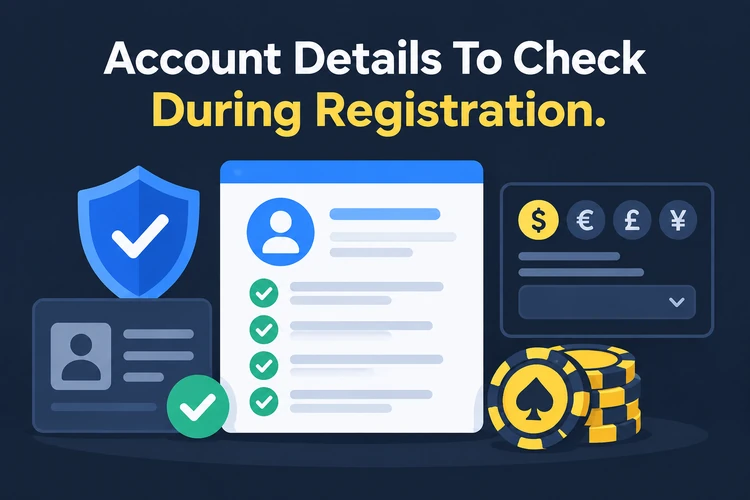
- Tanzania selected as the country
- TZS selected as the currency
- Correct mobile number
- Active email address
- Secure password
- Promo code, if you want to apply an available offer
Accurate details can help prevent access or account-setting problems later. Bonus conditions belong on the separate Bonuses page rather than in this registration guide.
DBBet Login After Registration
After creating the account, open the DBBet login page and use the registered credentials. The same account can be opened from a desktop or mobile device.
If you forget the password, use the available recovery option linked to the registered contact details. Account session management can help you review where the account is active. Detailed login guidance belongs on the Login page.
Use Your DBBet Account For Betting And Casino
After registration, one DBBet account can provide access to sports betting, live betting, and DBBet casino sections. It also brings the account balance, deposits, and withdrawals into one dashboard.

Review the account balance before making transactions, and use the relevant section for each activity. No second registration is needed for the main platform areas.
FAQ
Use the registration form, choose Tanzania and TZS, select a sign-up method, and submit the required details. The available routes include phone, email, and One Click registration.
Yes. An active Tanzania number can receive the SMS code used to verify the account and complete access setup.
The form may request a phone number, email address, password, country, and account currency. One Click registration uses fewer manual fields.
Select TZS as the account currency for a Tanzania registration. Review this choice before confirming the form.
Open the DBBet login page and enter the credentials saved during registration. You can use the account from a desktop or mobile device.